Cline Updates Cloud Session Features and Model Options
Cline v4.1.26 adds cloud session toggling, model selection, and improved task handling.
What happened
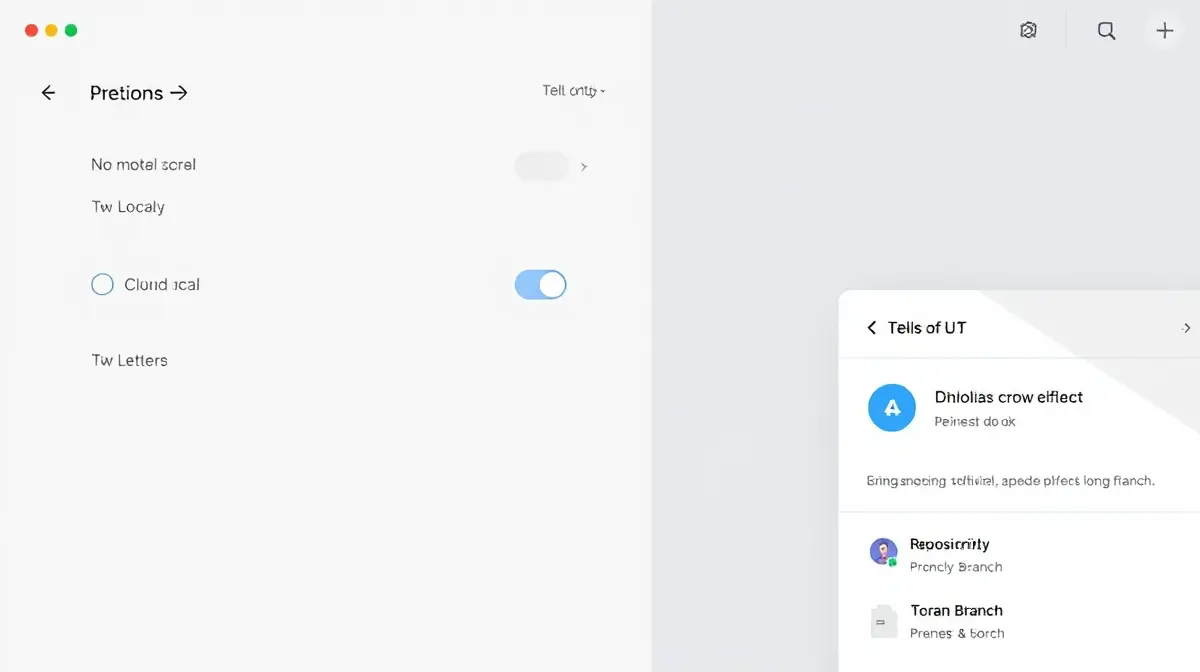
Cline v4.1.26 introduces new features for managing cloud sessions, including the ability to toggle between local and cloud models in API settings. Users can now select specific models for cloud tasks, which are stored separately from local models.
The update also includes a progress card that displays repository, branch, and steps when starting or resuming a cloud sandbox. Additionally, cloud sessions no longer show the Plan/Act toggle or the auto-approve bar, as these are now disabled by default.
Why it matters
These changes improve user control over cloud-based AI tasks and reduce potential confusion during session management. By separating model configurations for local and cloud environments, users can better tailor their workflows to specific use cases.
Key details
The model catalog has been refreshed, adding providers like CommandCode and Liquid Inference while removing others such as Llama. ClinePass now defaults to the Kimi K3.1 Pro model and includes additional models like MiniMax M3.1 Flash.
Model requests now retry a maximum of three times instead of five, and the Kimi K3 model supports the 'max' reasoning setting. GPT-6 models now use the 'max_completion_tokens' parameter instead of 'max_tokens'.
Sources
Related stories
Cline Updates AI SDK and Enhances Session Management
Cline (VS Code AI agent) improves session reconnection, model catalog, and connection handling in its latest release.
Ollama Adds Speech and Decision Models in v0.40.11
Ollama introduces speech generation and d3 decision models in its v0.40.11 release.
Ollama Adds Audio Generation and New Decision Models
Ollama v0.40.9 introduces speech generation and d3 decision models for enhanced AI functionality.

Ollama Introduces Flint for Coding Tasks
Ollama has released Flint, a new tool integrating Recursive's coding model for developers.
Ollama Releases v0.40.7 with New 27B Model and Bug Fixes
Ollama v0.40.7 introduces a new 27B parameter model and resolves several technical issues.
Vercel Introduces Durable-Harness for Reliable Coding Agent Workflows
Vercel's durable-harness enables persistent coding agent workflows across local and cloud environments.